

Configure OCI Load Balancer to Land on a Custom APEX Application

With around 20 years on the job, Matt is one of the most experienced software developers at Pretius. He likes meeting new people, traveling to conferences, and working on different projects.
He’s also a big sports fan (regularly watches Leeds United, Formula 1, and boxing), and not just as a spectator – he often starts his days on a mountain bike, to tune his mind.
In OCI, find your Load Balancer. If you don’t have one, perhaps this might help.
Click Rule Sets > Create Rule Set
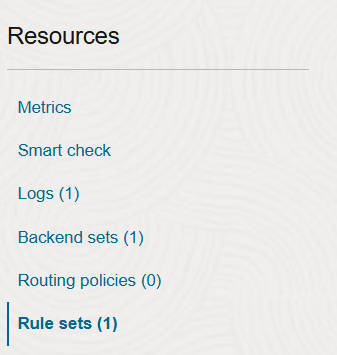
Set Name = Landing, set Rule 1 > Name = Landing Redirect
Check the Specify URL redirect rules box
Set Source path to
/ords/_/landingSet Path to your Application e.g.
/ords/r/workspace/app-alias/homeEnsure it looks like this
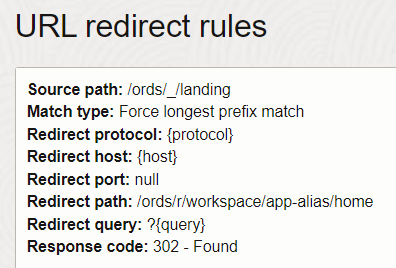
Click Listeners > Kebab Icon next to your Listener > Edit
Within Rule Sets, click Additional Rule Set and ensure Landing is set
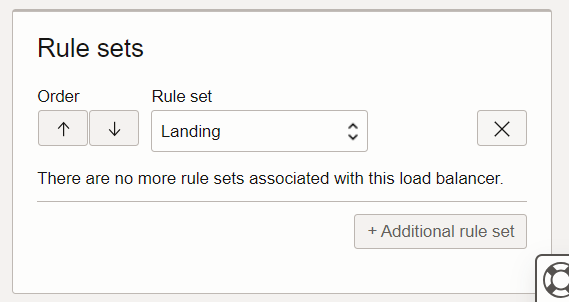
Now click Save Changes
Give it a go
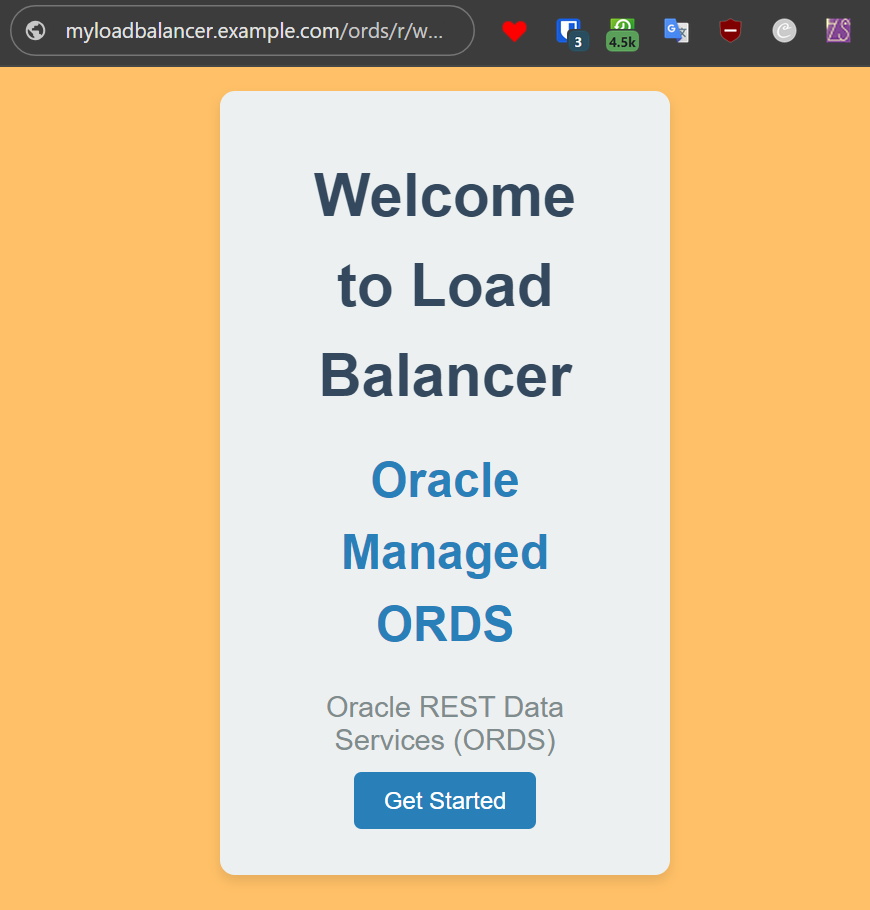
What colour is this? Mustard? Hollandaise Sauce?
ENJOY!
What’s the picture? Its Scarborough a.k.a Scarbados on the Costa Del Yorkshire. Visit Yorkshire!


